7 Accessorial Charges Quietly Inflating Your Freight Bill (and How to Spot Them)
Learn what accessorial charges are, including liftgate, reweigh, and residential delivery fees, and how to spot them before they inflate your freight bill.
FreightCake Team
FreightCake
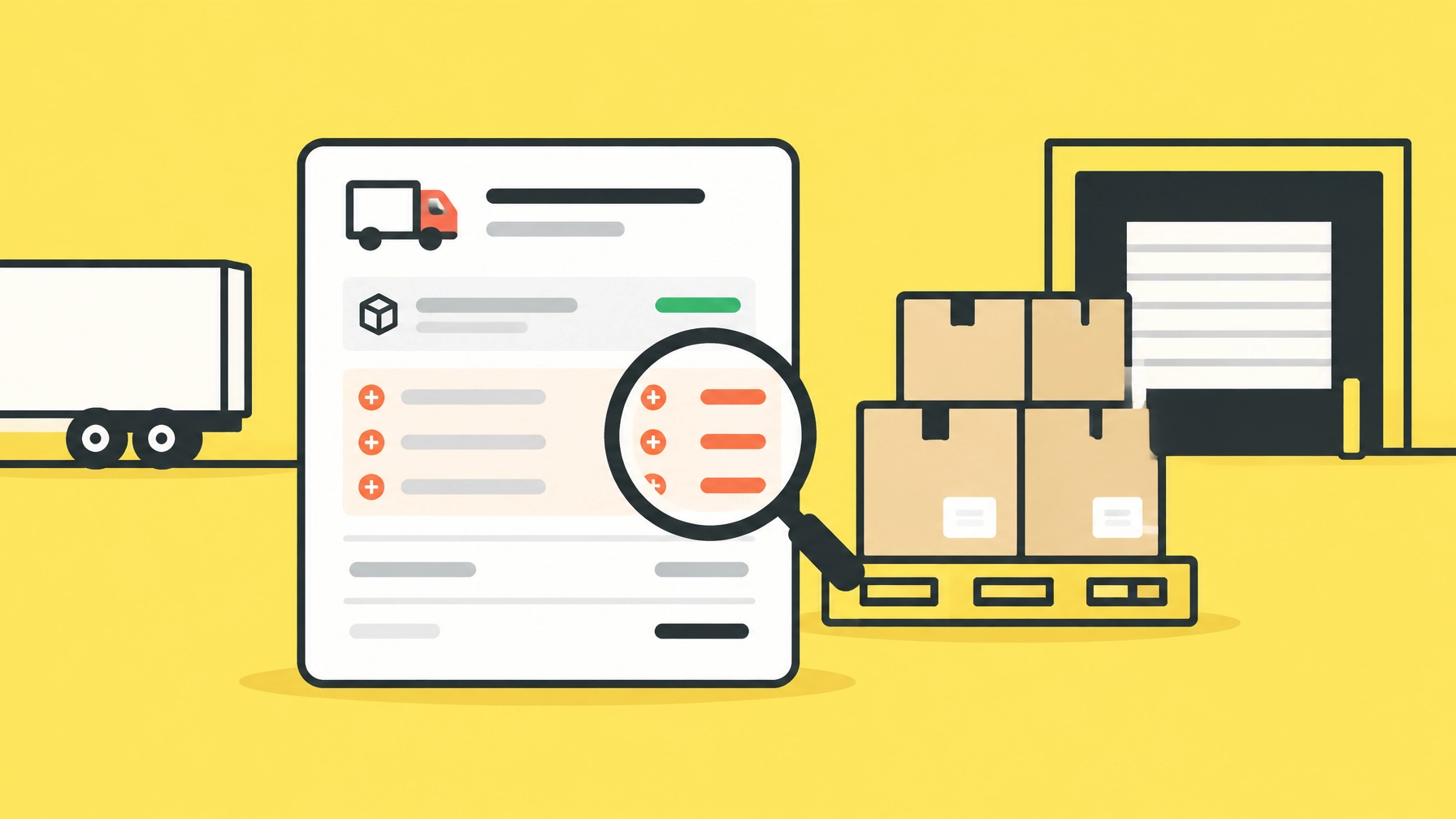
An LTL quote reflects the shipment details and services entered at the time you request it. The final invoice reflects what the carrier measures and handles. If those details differ, or a service wasn’t included in the request, the amount due can change.
So, what is an accessorial charge? It’s a charge for a service or shipping condition beyond standard dock-to-dock transportation. A liftgate, residential delivery, or scheduled appointment can require extra equipment, labor, routing, or coordination. Carriers may add the charge after pickup or delivery if the need wasn’t identified when the shipment was quoted.
A quote is not always an all-in price. Carrier rules and quote terms vary, so check what is included and how adjustments are handled. Here are seven charges to watch for.
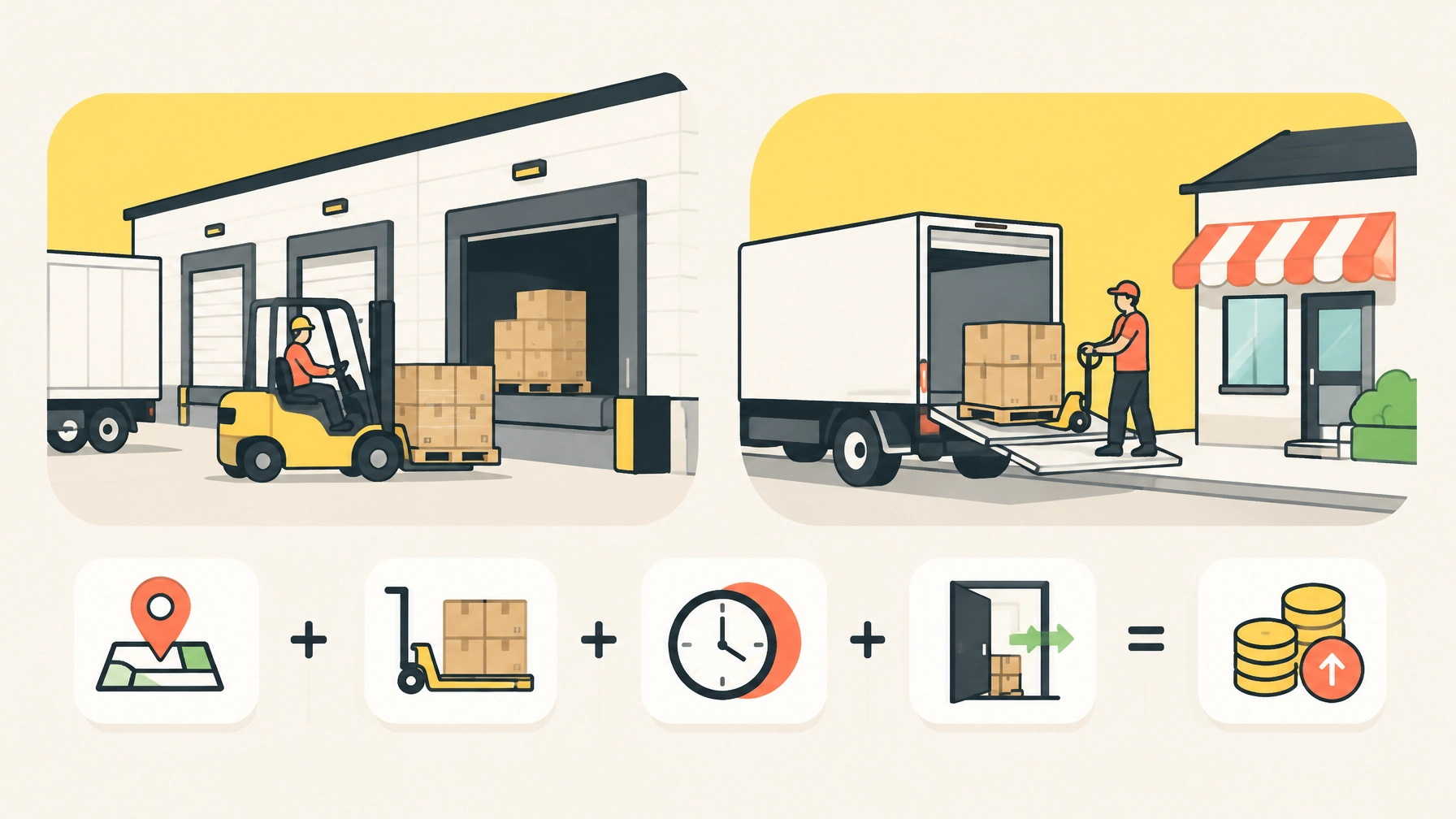
1. Liftgate fee
A liftgate fee applies when the truck needs a hydraulic platform to raise or lower freight between the truck bed and ground level. It often comes up when a shipper or receiver lacks a loading dock or forklift.
Why it can appear later: The shipment was quoted without liftgate service, or the carrier discovered at pickup or delivery that a liftgate was needed. Liftgate availability and rules depend on the carrier.
Before booking: Confirm whether a dock or forklift is available at both ends. If not, select liftgate service for the correct location: pickup, delivery, or both. Don’t assume that requesting it at one end covers the other.
2. Residential freight delivery fee
A residential freight delivery fee may apply when a shipment goes to a home or another location the carrier treats as non-commercial or limited access. Some businesses, schools, farms, and job sites can also have location-specific requirements.
Why it can appear later: The destination was entered as a standard business address, but the carrier’s delivery records or driver identify a residential or restricted-access location. A business name alone doesn’t establish that a commercial dock is available.
Before booking: Enter the accurate destination type and flag any access restrictions. Include the receiver’s contact details and delivery hours. Carrier definitions can vary; confirm how the destination will be classified.
3. Reweigh fee
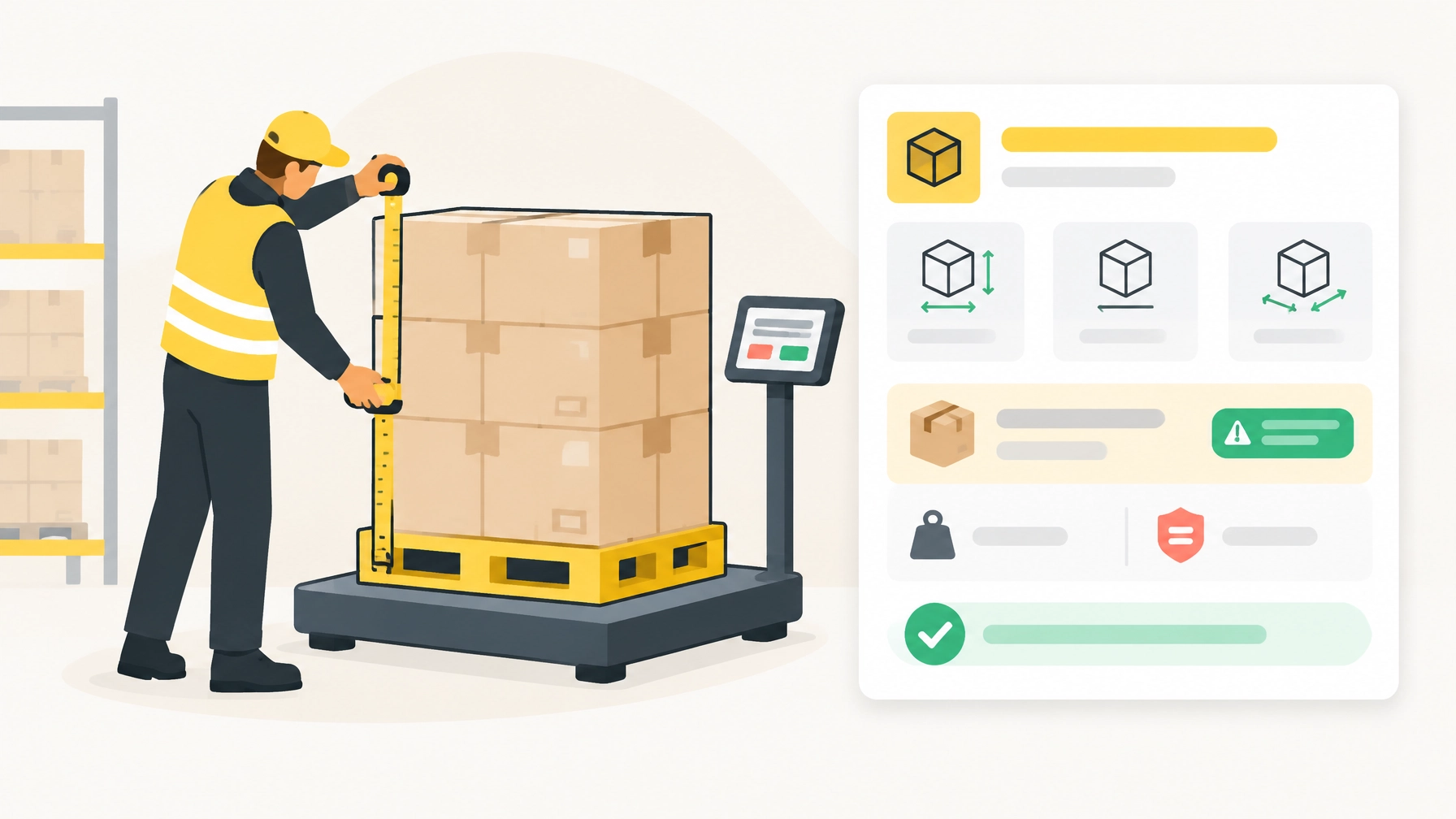
A carrier may weigh freight and compare the result with the weight on the quote or bill of lading (BOL). If the verified weight differs, the carrier may adjust the transportation charge and, depending on its rules, apply an inspection or weighing charge.
Why it can appear later: The original weight may have excluded pallets, packaging, or part of the shipment. The carrier’s measurement, not the estimate entered at booking, can trigger a correction.
Before booking: Weigh the shipment as tendered, including pallets and packaging. Keep scale records when possible. For multiple pallets, confirm whether you entered the total weight and the correct piece count.
4. Freight reclass fee or adjustment
LTL rates depend on shipment details that can include commodity, freight class, dimensions, weight, packaging, and density. If an inspection finds that the freight description or classification does not match the shipment, the carrier may reclassify it and re-rate the load.
A freight reclass fee may refer to a correction or inspection charge, but the final impact can also include a change to the line-haul rate, fuel charge, or other applicable charges. The exact treatment depends on the carrier’s rules and the quote.
Why it can appear later: The class or commodity information was missing, incorrect, or inconsistent with the freight presented to the carrier.
Before booking: Describe the goods accurately and provide dimensions and packaging details. Treat class suggestions as a starting point for review, not a substitute for confirming the shipment information.
5. Inside delivery
Inside delivery covers handling beyond the standard point where freight is unloaded. The charge may apply when a driver is asked to move freight inside a building or beyond the normal delivery location.
Why it can appear later: The receiver expected the driver to take freight past the dock, curb, or threshold, but inside service wasn’t selected in the quote. “Delivery” does not automatically mean placement inside a building.
Before booking: Specify where the freight needs to go and check what the carrier includes in inside service. Don’t assume the driver will carry goods into a home, office, or room. Service limits vary by carrier and location.
6. Appointment or prior-notification fee
Some locations require a delivery appointment or a call before arrival. A carrier may charge for arranging a specific time window or providing advance notification.
Why it can appear later: The receiver’s location requires scheduling, or the receiver requests an appointment after the shipment is already in transit. The service wasn’t included in the original shipment details.
Before booking: Ask the receiver whether an appointment or advance call is required. Provide a working phone number and confirm who can schedule. That can also help reduce the risk of a missed delivery or redelivery charge.
7. Fuel surcharge
A fuel surcharge is a carrier charge that can change with a published fuel schedule or the terms of a rate program. It is related to transportation cost, but it isn’t the same as a service charge like liftgate or inside delivery.
Why it can appear different from the quote: The quote may show fuel separately, use a schedule that changes over time, or apply a fuel amount based on the carrier’s terms. A fuel surcharge may be included in some rate programs and separate in others.
Before booking: Check whether fuel is included or listed separately, and which schedule or effective date applies. Compare the quote and invoice using the carrier’s stated terms, not just the base rate.
Carriers publish rules and examples for these charges. For instance, ODFL’s accessorial overview describes common service charges, while its accessorial brochure lists services such as liftgate and appointment delivery. Carrier terms differ, so use these as examples, not as a universal fee schedule.
How to reduce surprise charges
Use the same shipment details from quote through delivery. Before you book:
- Measure and weigh the freight as packed. Include pallets, packaging, all pieces, and accurate dimensions.
- Describe the commodity and review its freight class. Check that the details match the shipment you’re tendering.
- Flag location and handling needs. Confirm residential or limited-access delivery, liftgate service, inside delivery, and appointments at the appropriate end.
- Read the quote details. Check the fuel basis, included services, and how the carrier handles weight or classification changes.
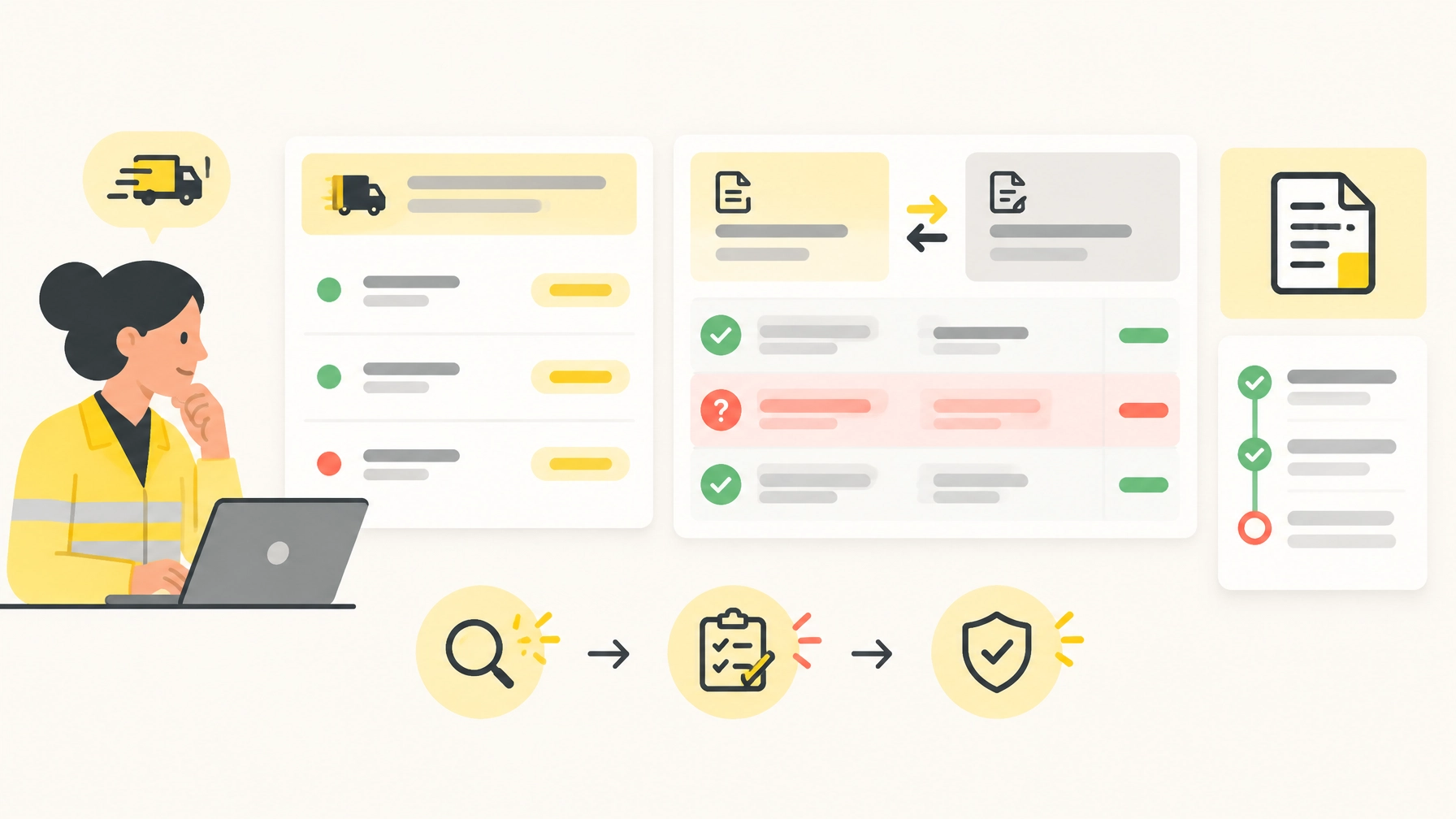
- Review the invoice against the quote and BOL. If a new charge appears, request the carrier’s explanation and supporting details, such as a reweigh record, inspection, or delivery service notation.
A side-by-side rate view makes it easier to compare available options, but the shipment details still matter. FreightCake’s LTL workflow lets you compare available carrier rates, review freight-class assistance, and prepare a BOL using shipment information. The BOL workflow carries details such as weights, dimensions, NMFC information, and accessorial codes into the document for review.
Review the details before you book
FreightCake AI can help organize shipment information and suggest freight class or NMFC details for review. For example:
Class suggestion: Review
Destination: Residential, confirm
Liftgate: Not selected
Next step: Check receiver requirements before booking
These prompts can help your team catch missing details before booking. They don’t confirm what a carrier will charge or replace your review. Verify the shipment information and required services, then confirm the booking.
When an invoice arrives, compare it with the quote and the BOL. Match each new charge to a shipment detail, service performed, or carrier term. If the reason isn’t clear, ask for supporting documentation before approving the adjustment.
Measure. Disclose. Review. Those three steps give small-business shippers a clearer view of LTL costs. Before the truck arrives and when the invoice does. Compare LTL rates with FreightCake.